
Just by moving the line, we’ve lined up OCO orders on GoGoJiang so you can issue split entries
Hello, I am Meister.
Today, I added a tool for MT5 order assistance to GoGoJiang.
It had already been sold as Trade_Toolbox_OCO_EA, but…
I thought it would be convenient to split when placing limit orders, so I turned it into a feature.
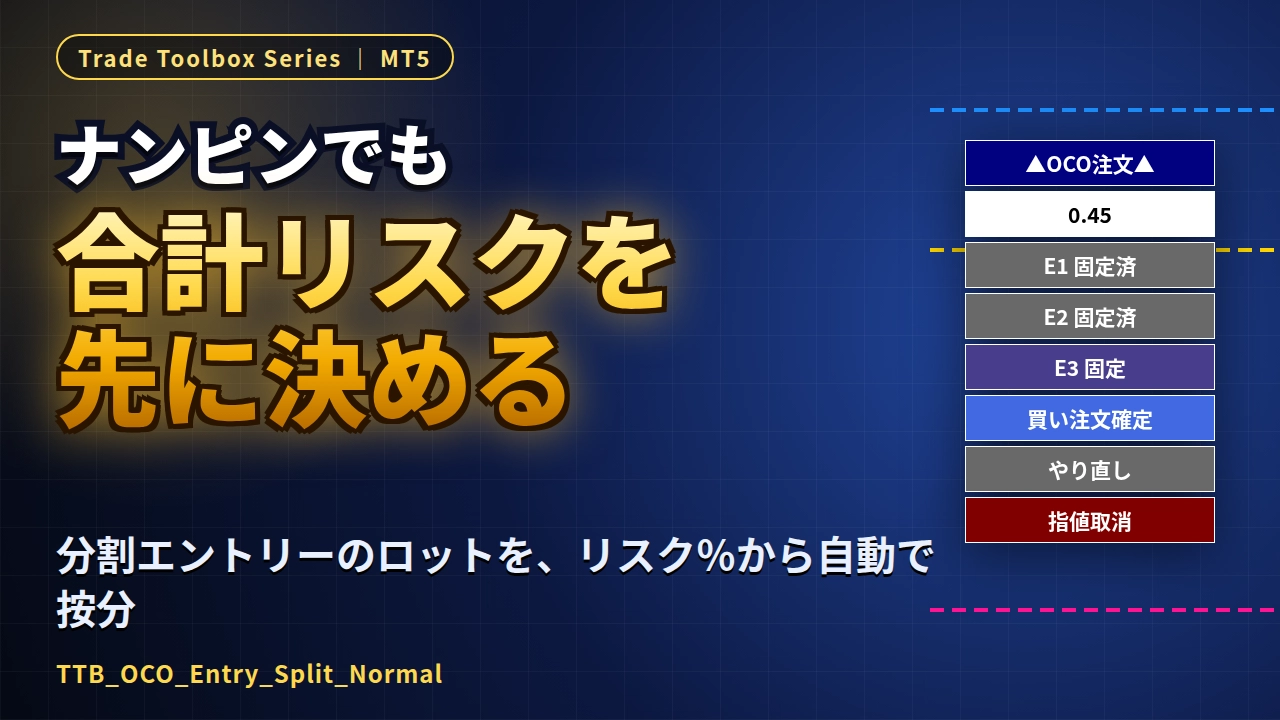
TTB_OCO_Entry_Split_Normal (New)
This is a panel that automatically calculates the lot size from the risk% when you move the three lines: ENTRY, STOP, and TP, and allows you to place limit/stop orders.
There are two modes: Split Entry (1 to a maximum of 5 splits) and Normal (one line), which can be switched in the properties.
In Split mode, you place E1→E2→E3… in order by pressing the fixed buttons in sequence.
SL is common to all positions, and the lot size is calculated by distributing the risk% to each position.
Even after placing the order, the total profit/loss amount and pips will be shown at the SL/TP positions.
There is an "SL Guard" that returns SL to its original position when you move it away, and a feature that automatically cancels the remaining limit orders after all positions are closed.
【TTB_OCO_Entry_Split_Normal link is here】
To let you try it out,a trial version link to the official product page is also provided.
There may be fits and mismatches, so please try it first.