
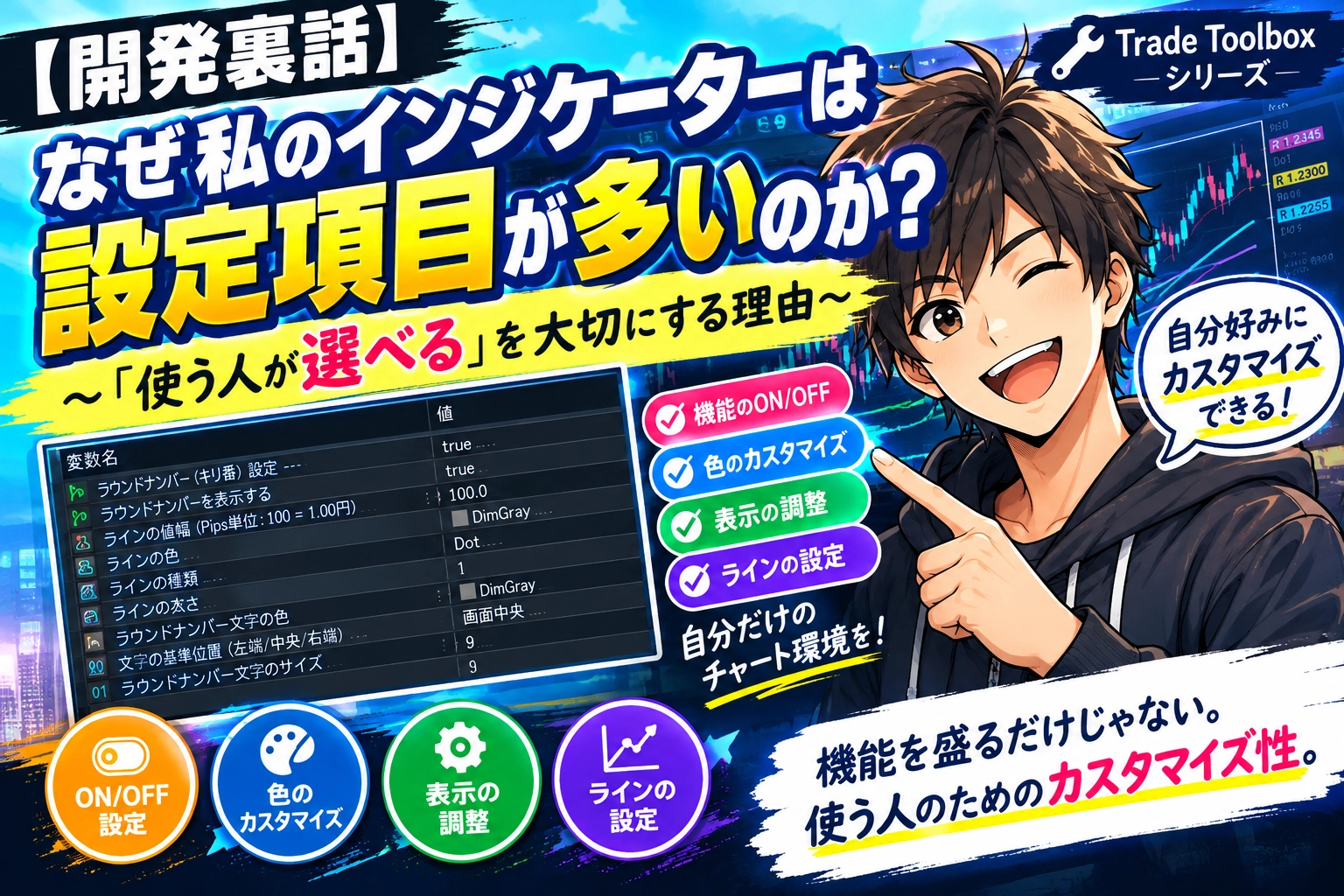
[Behind the Scenes] Why does my indicator have so many settings? ~The reason for valuing "users can choose"~
Hello, I am Maestra.
When you look at the EA and custom indicators in the Trade Toolbox series,
“There are a lot of settings... quite a few items”
you might think.
In fact, depending on the feature, you can configure not only showing/hiding but also colors, line types, thickness, font size, and more.
This isn’t because “more settings make it look more feature-rich.”
There are things I’m conscious of when creating indicators.
1. What’s “necessary” varies by user
If you include multiple functions in an indicator, problems like these inevitably arise:
- This function is convenient, but I don’t use it
- This line is necessary, but this other line isn’t
- Some people find it useful to display it, while others feel the chart becomes cluttered
This isn’t about which is correct.
It’s because it differs by user.
For example, the previous day’s high, low, open, and close.
I think it’s convenient to display them, but
some people only want the high and low,
so
it’s better to allow initial selection.
This is one reason I provide ON/OFF settings and color settings (make it transparent if not needed) for many indicators.
2. Not only “add features” but also “make them removable” is important
When creating indicators, it’s easy to think—
“It would be便利 if there were this feature too”
and keep adding functions.
But merely adding features increases the information shown on the chart.
So I adopt the idea of
“If you add, make it removable for those who don’t need it”
.
Of course, not every feature can be ON/OFF.
Still, when packaging multiple features, I try to allow users to choose as much as possible.
3. I don’t believe there is a single “correct” color
Another area I make highly configurable iscolor.
For example,
“High price line is red”
“Low price line is blue”
can be decided.
However, that is not necessarily easy for everyone to read.
It also depends on the chart’s background color, and how it combines with other lines or indicators you normally use.
And people perceive colors differently.
So I prefer to say,
“There isn’t a single best color”
instead of deciding,
“Please choose colors that are easy for you to see.”
as a preferred approach.
4. Example: Trade_Toolbox_RVDLine
Here’s a real indicator as an example.
What I’ll introduce this time isTrade_Toolbox_RVDLine.
If you look at this indicator’s settings screen, you’ll see it offers very granular options.
For example,
- Display/hide round numbers
- Value range of round numbers
- Line color, type, thickness
- Round number text color, size, position
- Display/hide the previous day’s four-price values altogether
- Colors for high, low, open, close
- Four-price line type and thickness
- Display/hide year, month, day separation lines
- Separation line color, type, thickness
- Separation label color, size
- Settings for rate display and measurement length
There are these kinds of options.
At first glance,
“Aren’t there too many settings?”
you might think (laughs).
But what I want to achieve is
“Please use all of them if needed”
not.
The necessary people use them.
If you don’t need them, turn them OFF.
And adjust colors and display positions to fit your chart.
That’s the purpose of these settings.
5. Customizability ≠ “pack more features”
This is the mindset I keep when creating EAs and custom indicators.
When people hear customization, they often think
“There are 100 settings!”
“There are tons of features!”
and so on.
But I think a little differently.
Having the necessary features while letting you choose not to use the unnecessary ones.
I consider this also a form of customization.
People’s trading environments and chart views differ.
Therefore, I try not to let developers declare sole “correct” answers.
6. Please try it yourself to see if it fits your needs
Having written this,
explaining “you can customize it” in words won’t reveal how it actually feels to use it.
That’s why the Trade Toolbox series offers free downloads and trial options.
If you’re curious, please try dropping one onto a chart and testing it out.
“This function is necessary for me”
“This one isn’t needed”
Please test and decide with the hands-on experience.
Summary
In the EA and custom indicators I create,
“Let as many people as possible use the same settings”
is less important than
“Let each user choose according to their own usage.”
I value this approach.
This is a small but persistent point I keep in mind when building the Trade Toolbox series.
And because explanations alone can be hard to understand,if there are free versions or trialable EAs and custom indicators, please try them first.
If you find something that fits you, you can choose it at that time.
For those who want to try it
After reading this,
“I wonder what the actual settings look like?”
“Will this work in my trading environment?”
Please try it on a chart to see for yourself.
The Trade Toolbox series includes free public versions and trial EAs and custom indicators as well.
Sometimes what you read about settings isn’t enough; when you actually try it, it becomes much clearer.
“This is usable”
and “This isn’t needed for me”
Trade Toolbox series free version and trial versions are here