
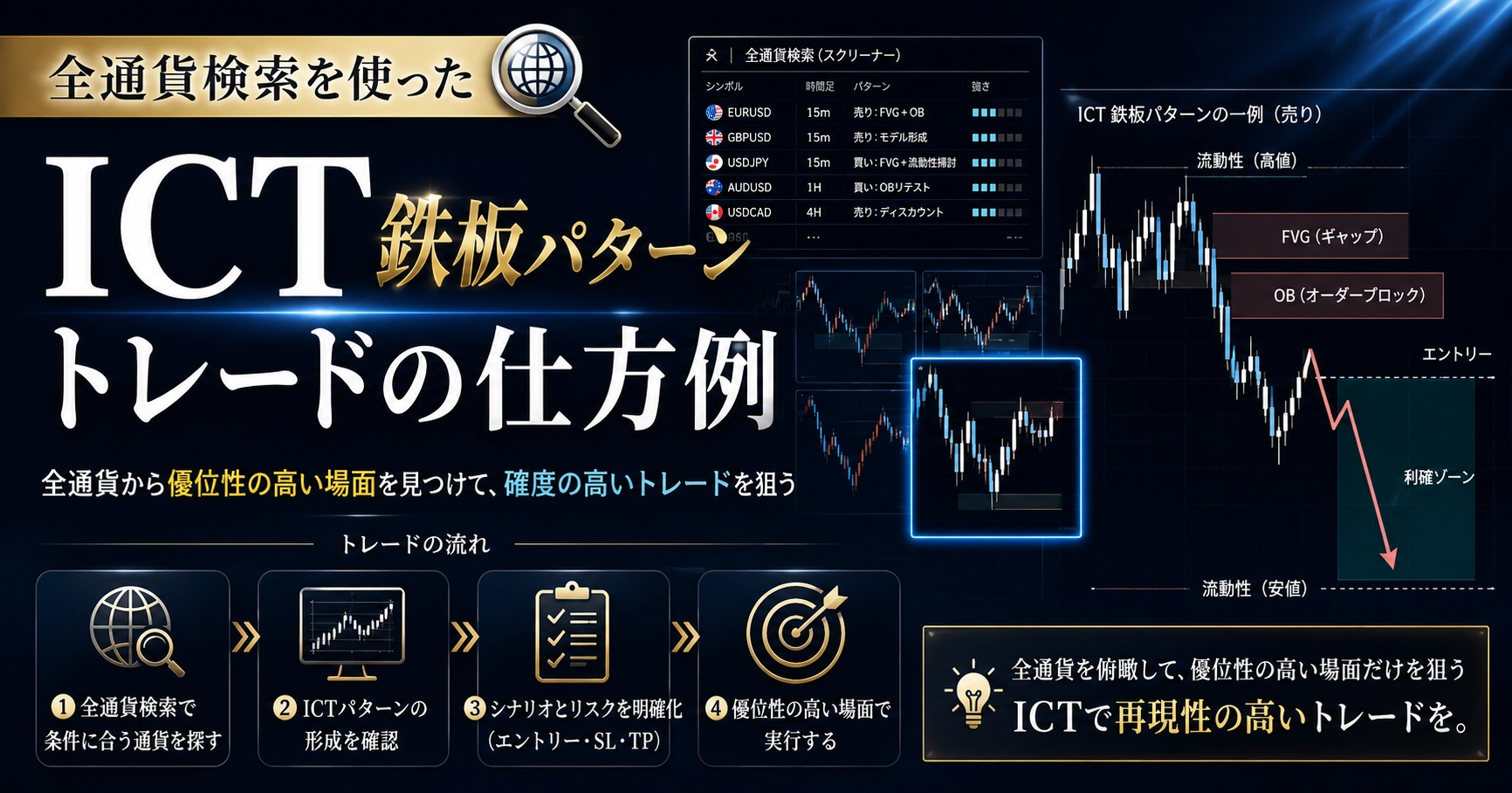
ICT Ironclad Pattern Trade Using Global Currency Search
I will introduce my actual method for trading using the ICT ironclad pattern.
In short
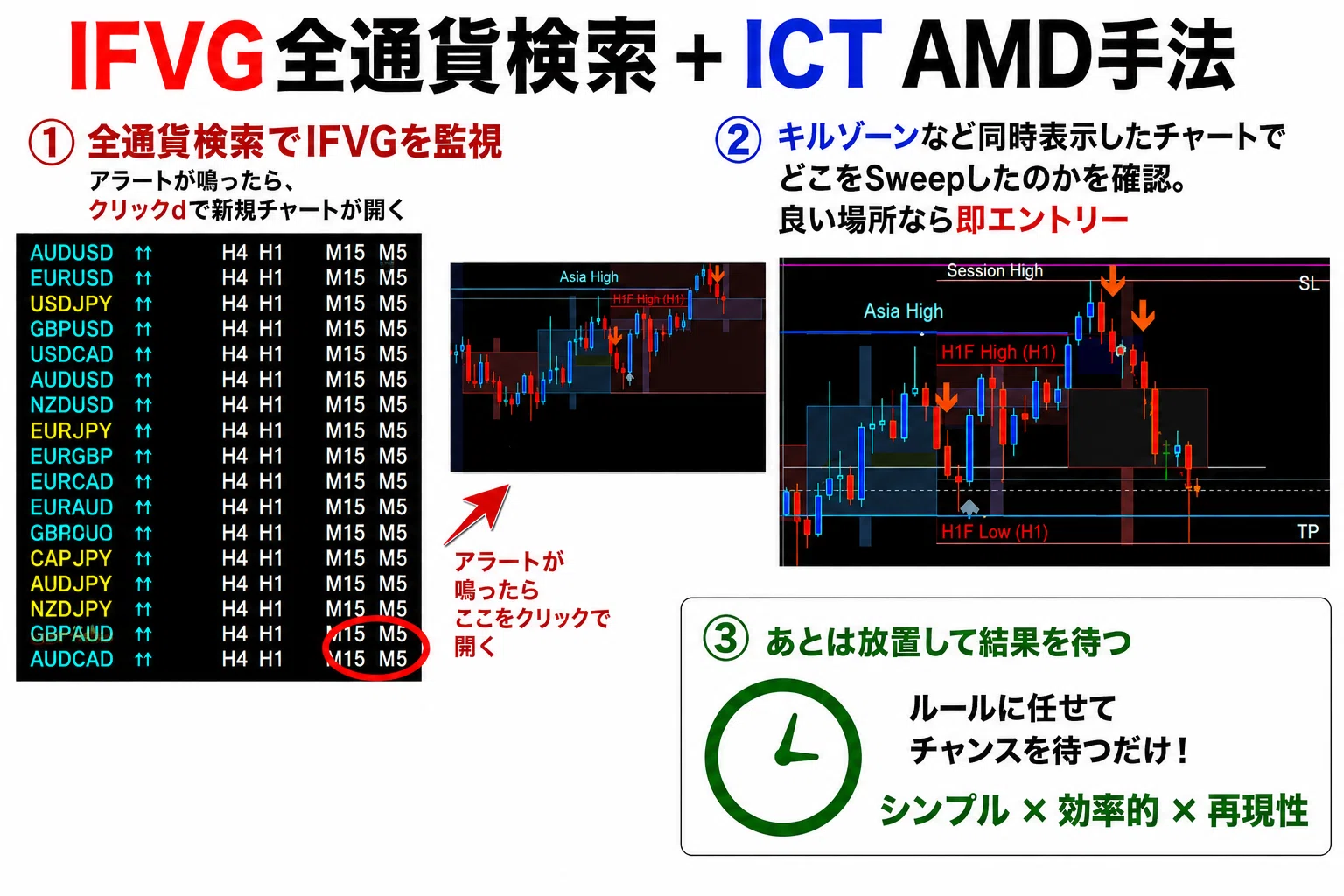
① Wait for alerts from all currency scans
② Open the chart when an alert sounds
③ Visually determine if it looks like a good target in 5 seconds
If not, close it immediately
④ Place a limit order and leave it alone
That’s all.
What is all-currency search
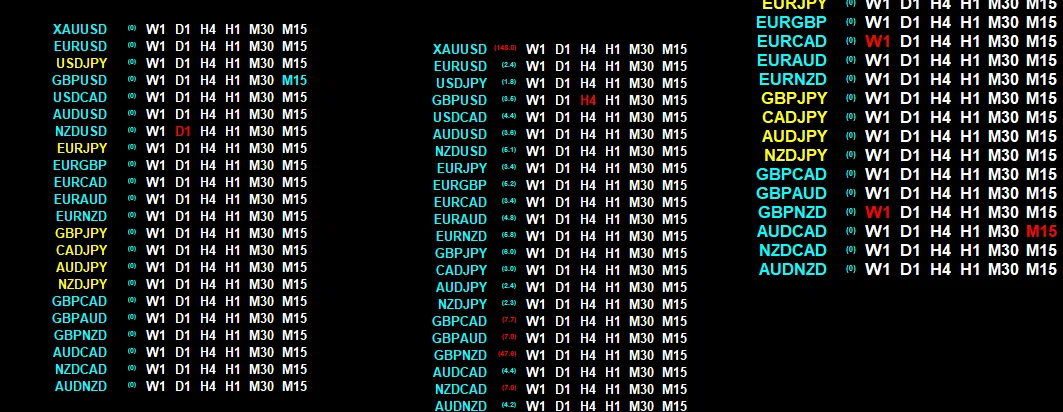
It is a tool that lets you monitor all currencies and timeframes on one screen at once.
If you normally monitor only a few charts, the opportunities are only a few.
If this were 64 currencies on a 4-hour chart, that would be 256 charts.
You would have 60 times the opportunities.
With ICT ironclad pattern usage, you only need
4-hour, 1-hour, 15-minute, and 5-minute timeframes.
There is no upper limit on currency pairs. 64 or more is possible.
Since font size and line count can be customized freely,
likely you can fit around 120.
Also, you can draw multiple all-currency searches on a single screen.
I,
・Monitor AMD
・Monitor FVG
・Sweep + Pin Bar Monitor
and display these three on one chart.
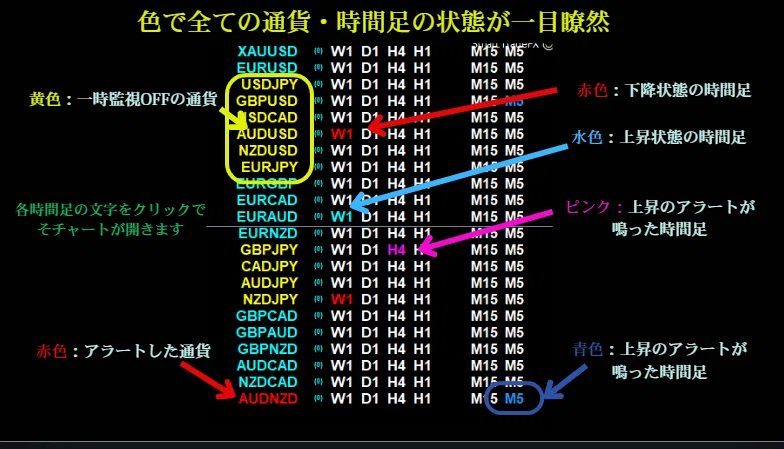
Rising and falling signals (or states) are represented by color.
When an alert sounds, the currency name turns red.
And by simply clicking the timeframe,
a new chart for that currency pair on that timeframe opens.
No need to monitor—one-click new chart open.
Honestly, zero stress.
The opened chart looks like this